

Create a Poll
Create a new ideaPoll, name it and then add questions to your poll.

Add demographics
Choose demographic questions from your pool of profile questions. You can create new questions from your dashboard.

Make it open or closed
Choose a ‘closed poll’ where participation is limited to email address you choose or open the poll to the general public.

Share a link to gather ideas
Gather ideas to your questions by sharing a unique ideaPoll link. Remember, if it is a closed poll, only participants with email addresses you registered will be able to participate.

Review and select ideas for rating
View and curate responses your receive from participants you polled for ideas. Select your favourite responses and ‘Copy to Stage 2’.

Share a link to gather ratings
Set your poll status to ‘rate ideas’ and send out the same link to participants so they can rank and rate ideas to each question.
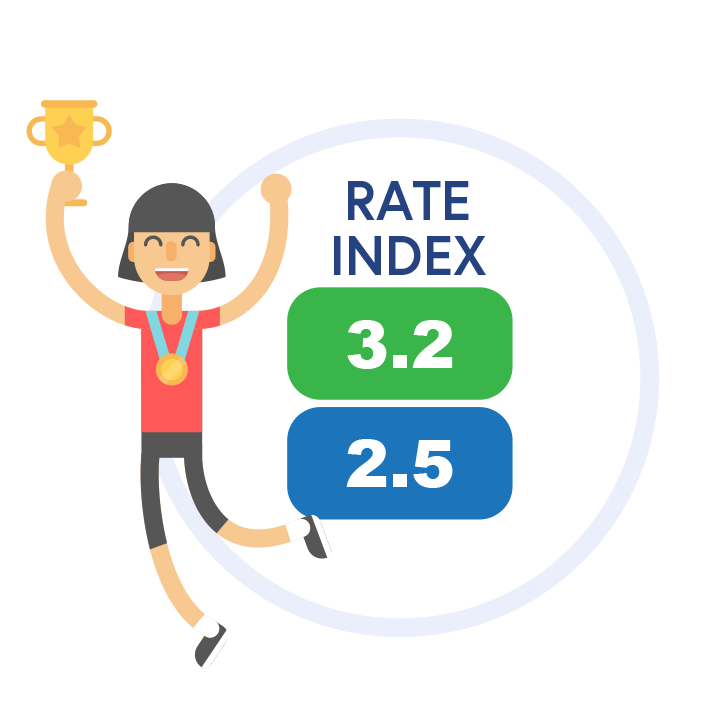
Track & review results
ideaPoll’s unique algorithm helps you select the best or winning idea based on its relative importance to your participants. You can download the data and transfer to your favourite analysis software.

Gather ideas from staff, stakeholders, customers, clients, members … or anyone with an email address!
Create a simple poll and send it to a list of contacts for them to suggest solutions or ideas.
Review and curate suggested ideas… then send them out to the universe for feedback!
ideaPoll gives you the tools to choose your favourite ideas from contributors. But don’t stop there because the next step allows stakeholders to rate and rank curated ideas according to what is important to them.
Don’t take your word for it. Take theirs.
ideaPoll’s unique algorithm helps you select the best or winning idea based on its relative importance to your participants.
Get your organization closer to the customer, members, stakeholders and staff!